PrintGrid Pro vs PDF Snake
Compare everyday print sheets with advanced imposition, local processing and automation. Includes current PDF Snake and PrintGrid Pro prices.
The short answer: everyday sheets or broader prepress?
Choose PrintGrid Pro for an interactive workflow from finished artwork to everyday card, invitation or photo sheets. Choose PDF Snake when the work requires broader document imposition, specialized finishing or automation. PDF Snake is a capable alternative with meaningful advantages, including local browser processing and desktop editions for several operating systems. It should not be treated as merely a pages-per-sheet viewer.
The starting question is what must change before the document can be printed. Repeating one card at its intended size is different from managing creep in folded signatures or supplying cutting equipment with production data. A useful comparison separates those requirements before looking at price. You may need a focused sheet tool for one job and specialist prepress for another.
Comparison at a glance
| Decision | PrintGrid Pro | PDF Snake |
|---|---|---|
| Primary fit | Everyday artwork arranged into printable sheets | Broader document imposition and prepress |
| Web processing | Local preview; temporary source upload for authorized export | Vendor says documents stay in the browser |
| Desktop platforms | Published Windows edition | Windows, macOS and Linux |
| Advanced production | Interactive sheet preparation | Expert Grid, ganging, cutter marks and JDF documented |
| Web access | Trial credits, credit packs or Unlimited | One anonymous download per eight hours; paid plans |
| Desktop paid price | $24.99 one-time Pro | $293 annually, including one web user |
PDF Snake features and current pricing
PDF Snake's product site documents booklet creation, page resizing and reordering, Expert Grid controls for page positions, gutters, rotation and creep, plus ganging and cutter-mark/JDF workflows. Its Make Bleeds tool offers enlargement or mirrored edges. Those capabilities make it a stronger candidate for specialized production than a comparison based only on repeating business cards would suggest.
The official product comparison lists web access at $7.99 for a week, $12.39 for a month and $123.90 for a year. Its web pricing page documents one anonymous download every eight hours and a ten-day unlimited-download trial. The Desktop page lists $293 annually and an indefinite evaluation with watermarked output. A Desktop subscription includes one web user.
Automation has separate pricing. The Command Line page lists $949 per year per machine, while the product comparison still shows $939. Confirm that discrepancy with the vendor before purchasing. This article does not substitute one edition's price or licensing conditions for another.
PrintGrid Pro pricing and the web/desktop boundary
The current web plans list 5 credits for $2.99, 15 credits for $4.99, Online Unlimited at $12.99 monthly, or $99.99 annually. An eligible new account receives three one-time trial credits. Previewing and arranging a layout is free; generating the web PDF requires enough trial or purchased credits, or eligible unlimited access. One credit covers one successfully generated PDF page or printable side, rather than one individual card.
The Windows Desktop edition prints existing PDF pages for free. Creating and outputting a new multiple-card layout or new trim guides inside Desktop requires Pro, listed at $24.99 one-time. Eligible Online Unlimited subscriptions include Desktop Pro; credit packs alone do not. A PDF already arranged on the web can be printed through the free original-PDF route. Web credits and a Desktop license therefore solve different purchasing needs.
File handling is a real difference
PDF Snake's web documentation says documents are processed in the browser and never uploaded to its servers. It also describes cached offline use and a browser limit around one gigabyte. Its Desktop edition is documented for multi-gigabyte files and air-gapped workstations. If a customer contract prohibits website processing, evaluate the exact contractual requirement rather than treating every browser tool as equivalent.
PrintGrid Pro reads and previews the selected artwork locally while you arrange it. An authorized web export temporarily uploads active source files for generation. That is a different boundary, so this article does not describe the entire web workflow as upload-free. Desktop handles its local printing workflow on the computer. Choose the processing model that your files and customer permissions allow.
What PrintGrid Pro actually does for the sheet
Supply a completed PDF, PNG or JPEG, confirm the physical size, choose your paper, and inspect quantities, spacing and cutting guides. You can repeat a design or arrange supported same-size designs. Keep source text and artwork editing in your design application. The step-and-repeat guide explains the repeating-artwork workflow without implying advanced mixed-job ganging.
PrintGrid Pro's preview and PDF export use the same layout plan. That supports consistent geometry between the two views, but it does not establish printer registration or color accuracy. For two-sided work, inspect both sides and the selected flip edge, then test the physical sheet. See duplex sheet preparation before committing a batch.
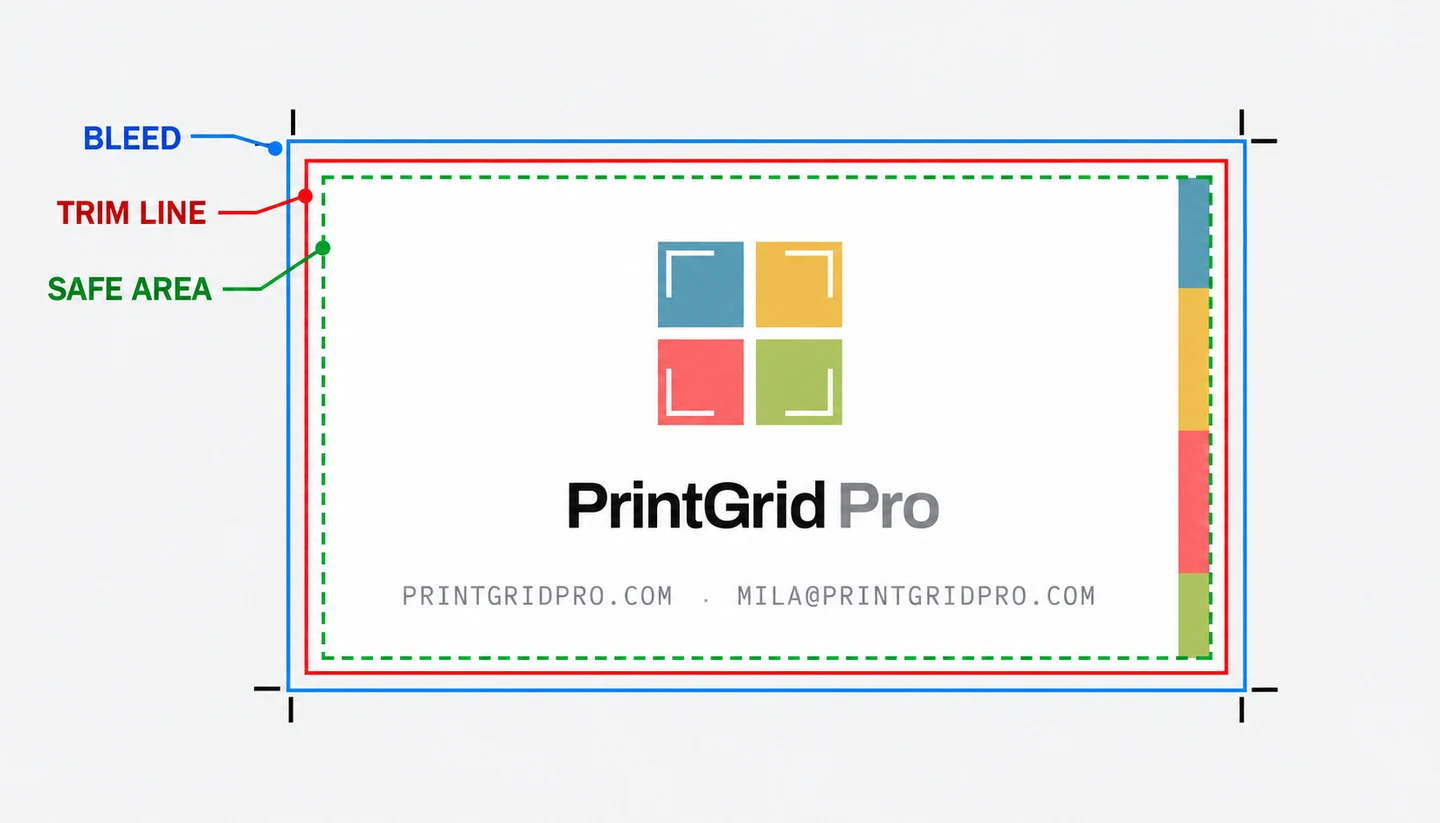
Do not confuse its bleed control with PDF Snake's documented background-generation options. PrintGrid Pro needs suitable extra artwork already present around the trim boundary. It cannot manufacture missing edge content. That distinction matters when a customer supplies a tightly cropped file and expects a full-bleed result without returning to the original design.
Who should pick which?
Pick PrintGrid Pro when your main requirement is arranging completed invitations, cards or photos on ordinary sheets, with familiar physical dimensions and PDF output. Credit packs suit intermittent web work; the one-time Desktop Pro route may suit recurring local Windows layouts. Evaluate the edition you intend to use, rather than assuming every entitlement crosses between them.
Pick PDF Snake for documented advanced imposition controls, Mac or Linux desktop operation, local browser processing or automated production. Its command-line and API routes address a different operational requirement from manually preparing a sheet. These are reasons to choose the competitor even when a simpler card grid could also be made in PrintGrid Pro.
For a single occasional document, PDF Snake's anonymous download allowance deserves consideration before paying for either product. If your task is just printing an already arranged PDF, use an appropriate PDF print application. PrintGrid Pro Desktop Free can print existing PDF contents without requiring a new layout purchase.
Compare the finished PDF, then the paper
Use the same source and intended item size in your evaluation. Inspect small text, trim boundaries, page order and the last sheet. Record whether you are preparing cards for cutting or document pages for folding. Consult the broader imposition comparison if signatures or shop-specific finishing requirements drive the purchase.
For an arranged card sheet, match the printer paper to the PDF and print at Actual size or 100%. Avoid applying a second multiple-pages-per-sheet operation. Trim and measure one sample, check both sides where relevant, and only then print the remaining quantity. Software selection cannot remove paper-feed variation or the need to check your printer's supported stock.
Frequently asked questions
Is PDF Snake free?
PDF Snake's web pricing page allows anonymous users one download every eight hours and offers a ten-day trial with unlimited downloads. Paid subscriptions remove that download limit. Its Desktop evaluation is available indefinitely with watermarked output.
Does PDF Snake upload my documents?
PDF Snake says its web application processes documents in the browser without uploading them to its servers. PrintGrid Pro previews locally, then temporarily uploads active source files for an authorized web export. These are different processing models.
Which is better for automated prepress?
PDF Snake is the stronger documented choice for command-line processing, a web API, JDF output and specialized finishing operations. PrintGrid Pro's comparison here covers interactive preparation of everyday card, photo and stationery sheets.
Can I use PrintGrid Pro without a subscription?
Yes. Web credit packs provide a pay-as-needed route, and Desktop Pro is offered as a one-time purchase. Desktop Free prints original PDF pages without a subscription. Web layout exports still need eligible credits or unlimited access.