A4, Letter, and the sizes in between
A plain-language guide to common paper formats and why choosing the loaded sheet first prevents unexpected scaling.
Start with the printer
US Letter and A4 are close in size but not interchangeable. Choose the paper actually loaded in the printer before adjusting margins or gaps.
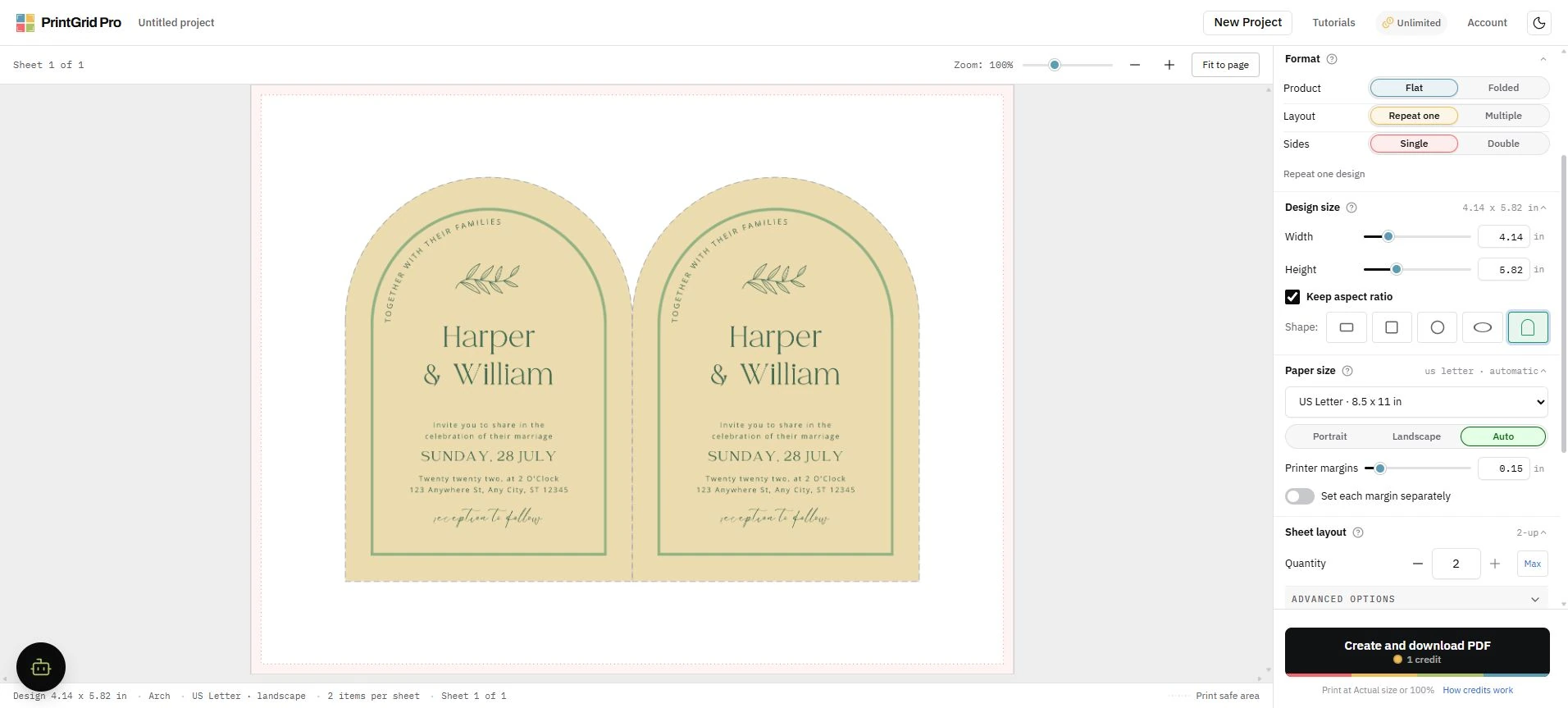
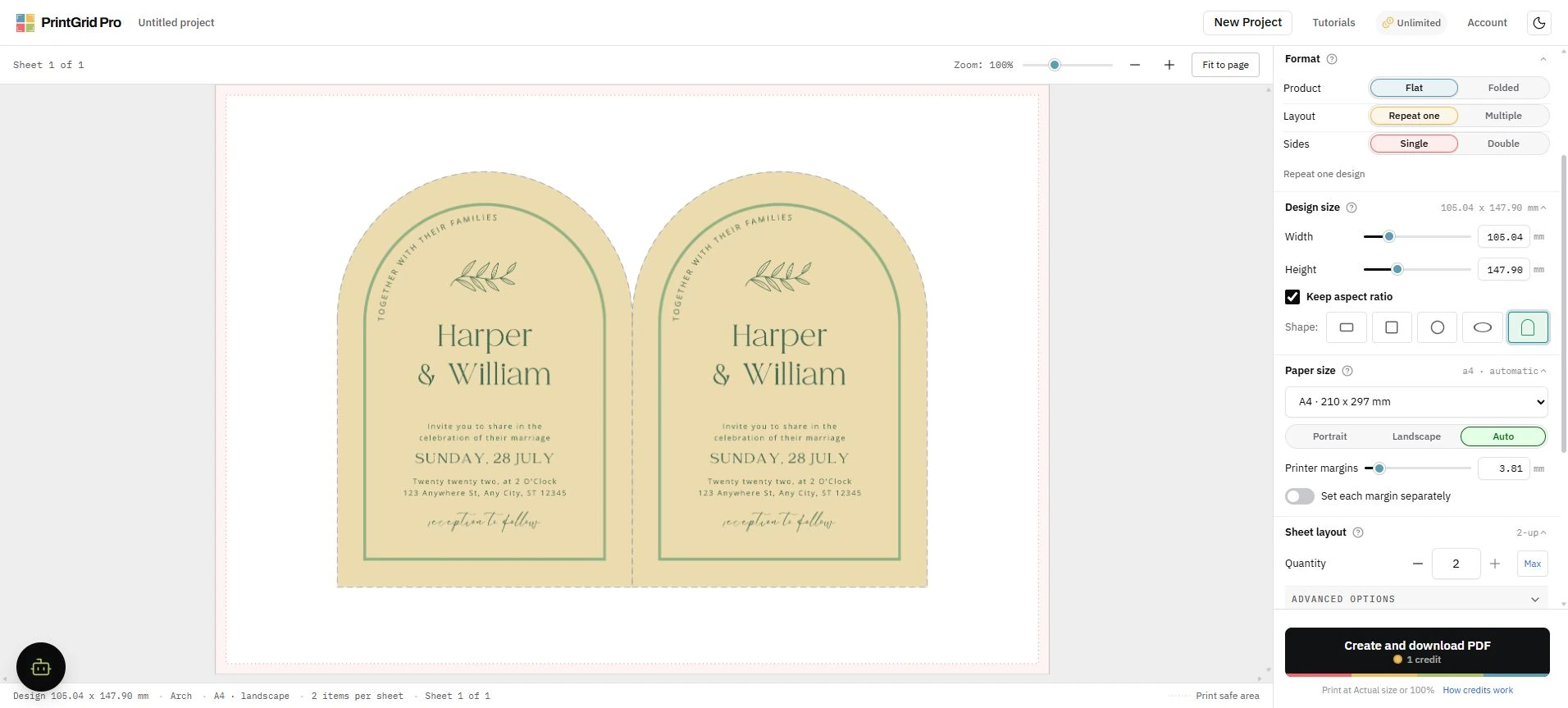
Keep dimensions explicit
PrintGrid Pro uses PDF points internally and displays familiar inches or millimeters. This keeps every placement stable when quantity changes.
Check the layout on your chosen paper
Before creating the PDF, use the print-sheet preflight checklist to check size, spacing, and guides. For invitation artwork, see how to arrange invitations on Letter or A4 while keeping the intended finished dimensions.