A five-minute print-sheet preflight
A short preflight checklist for exact placement, useful guides, and printing without accidental driver scaling.
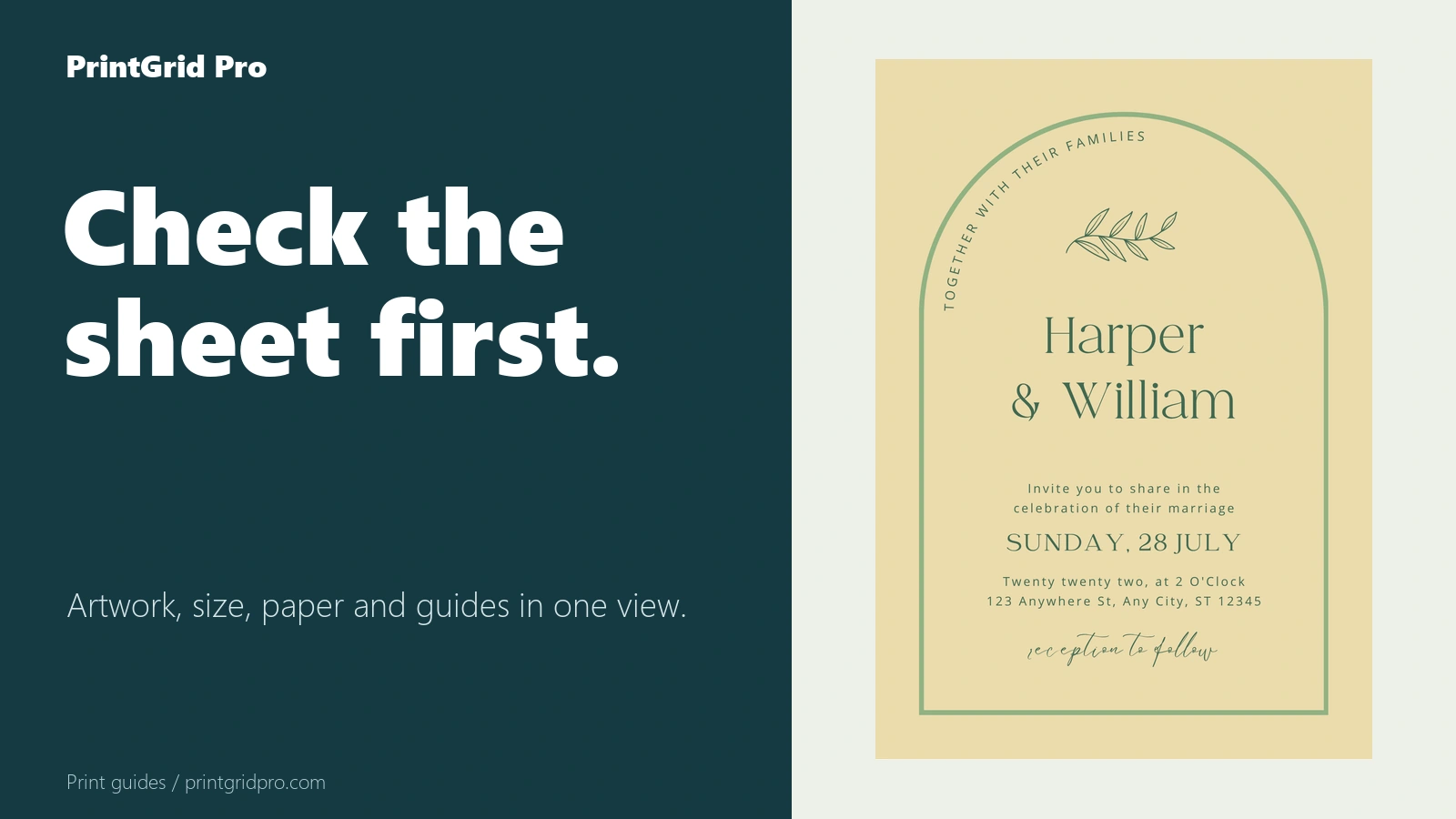
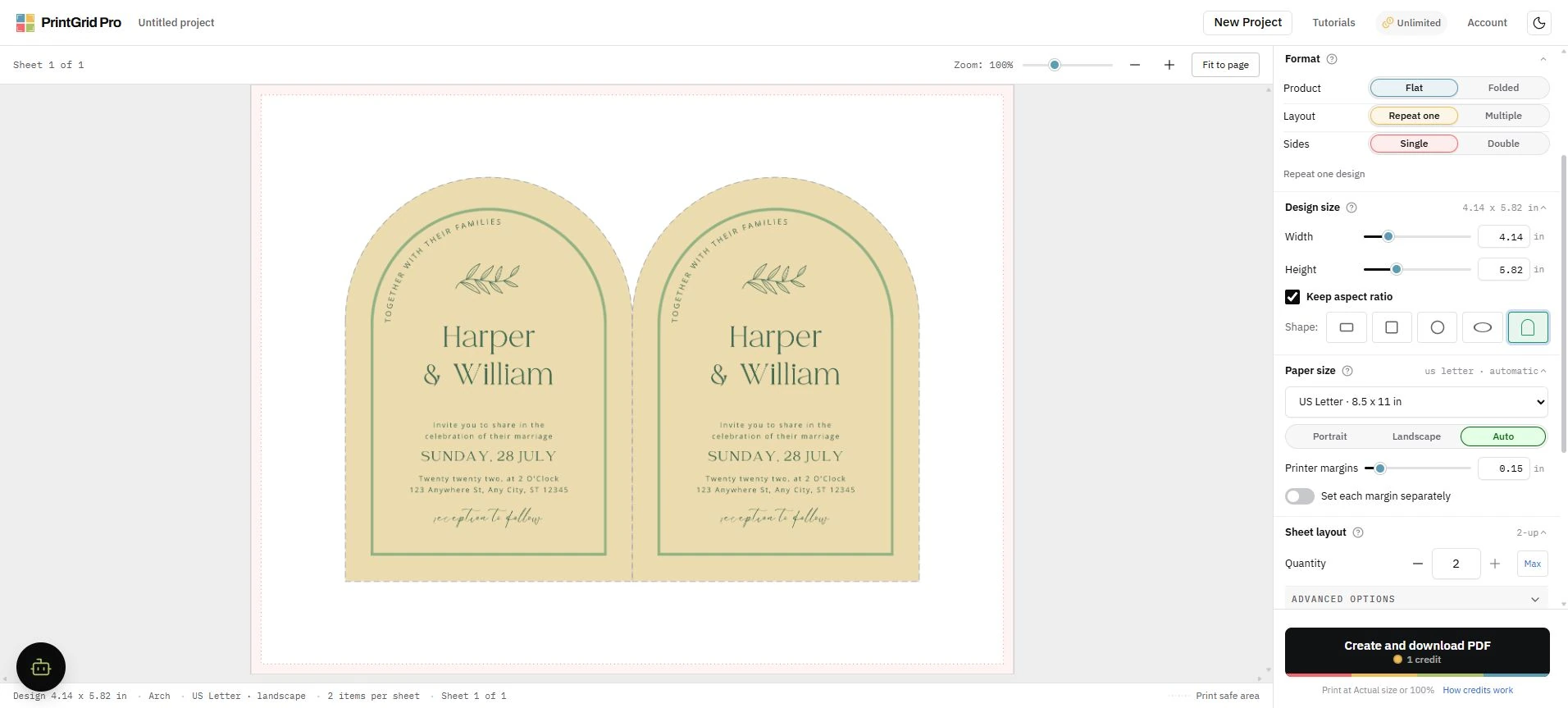
Use the full preview
Confirm paper, finished size, quantity, margins, gaps, bleed, and trim guides. Warnings remain visible until the underlying setting changes.
Print without driver scaling
Open the generated print view and choose Actual size or 100 percent in the print dialog. Browser and printer settings cannot be enforced by the PDF.
Check the sample, then print the batch
If the sample's colors differ from the screen, review RGB color and printed results before changing the design. When the sample is ready, check how Download again and Print reuse the generated PDF.