How Download again and Print work
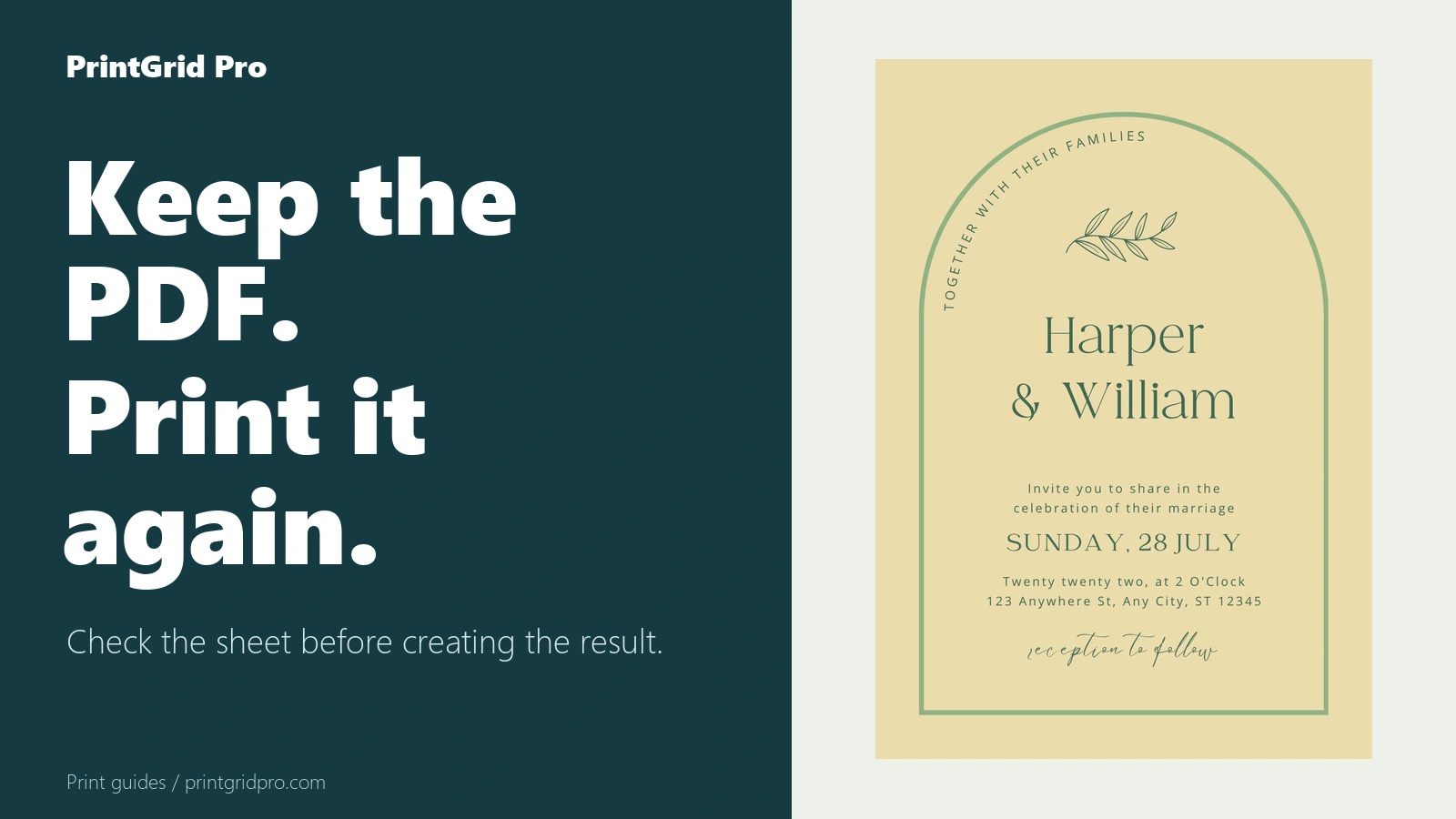
Download or print the same validated PDF repeatedly during its 24-hour availability window without another credit charge.
One result, repeated access
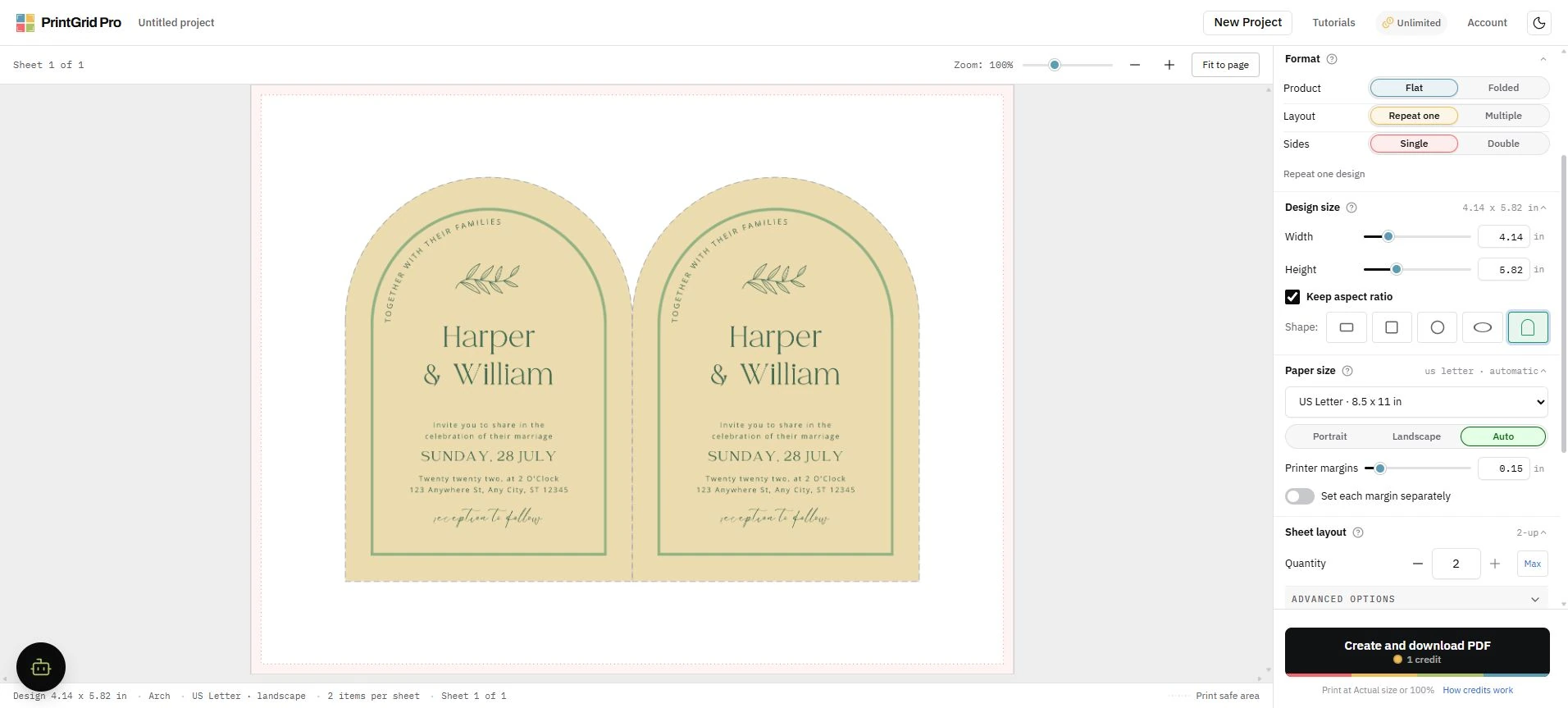
After a PDF is generated successfully, Download again retrieves that same validated result. Print opens the same PDF for browser printing. Neither action starts another export or consumes another credit.
Use Actual size or 100 percent in the print dialog. PrintGrid Pro cannot enforce settings in the browser or printer driver.
The result is temporary
The generated PDF remains available for up to 24 hours after the job becomes ready. Account history keeps safe metadata after the file expires, but the old PDF cannot be recreated without the original local source.
Source files are removed from the server after processing. Keeping the original design on your device is therefore essential for a future fresh export.
Need help with a generated PDF?
If you still cannot download or print the file, visit PrintGrid Pro Support for printing guidance and contact options. Do not send passwords or payment details.