How to repeat one design on a sheet
Place as many copies of one design as safely fit on Letter, A4, or custom paper without changing its finished size.
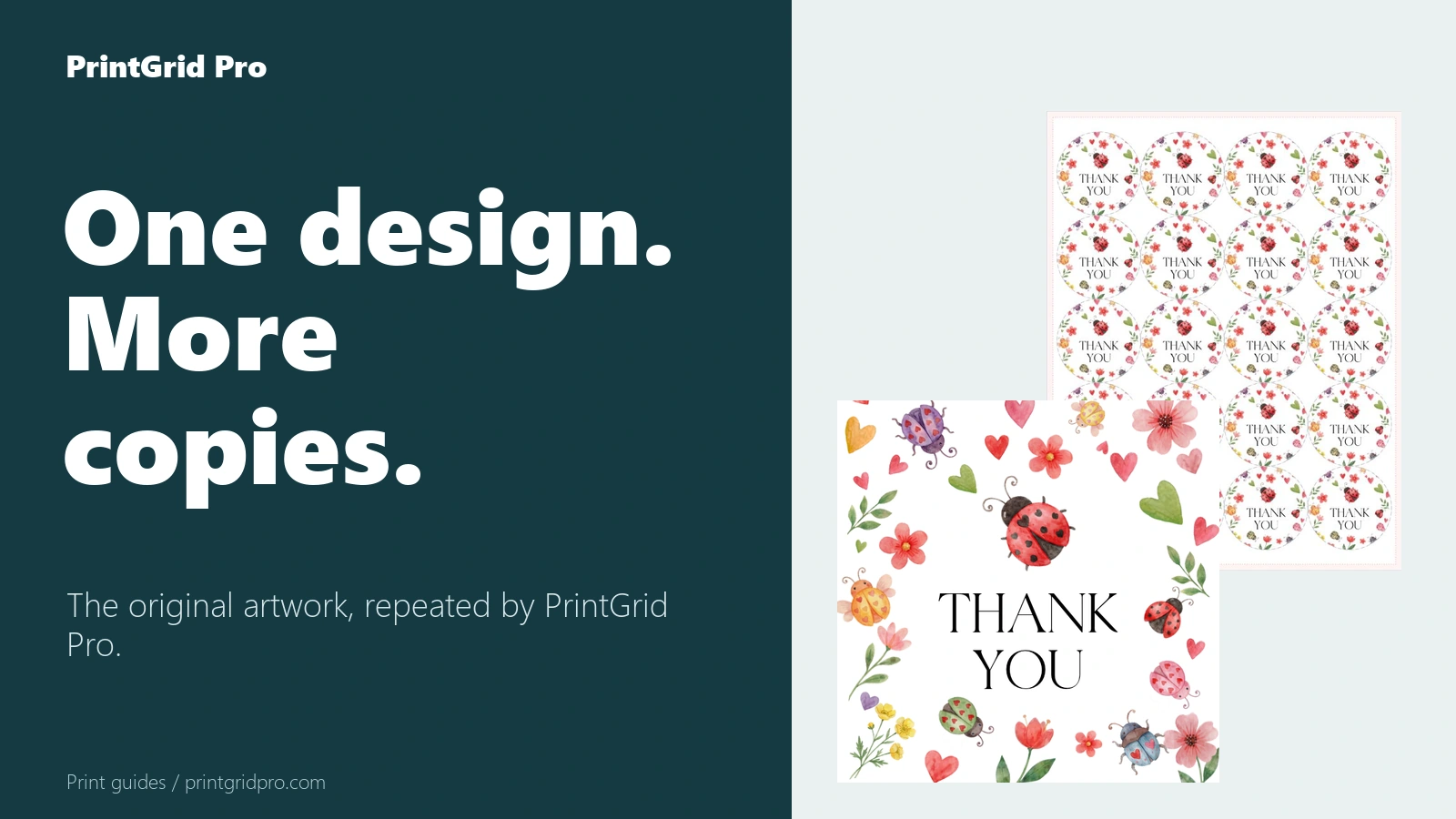
Choose Repeat one
Open the editor, keep Product set to Flat, choose Repeat one, and upload one PDF, PNG, or JPEG. PrintGrid Pro detects the source size, while the finished-size controls remain the authority for the printed piece.
Choose the paper actually loaded in your printer. Max quantity fills the sheet using the current margins, gap, bleed, and guide settings; you can reduce the quantity when you need fewer copies.
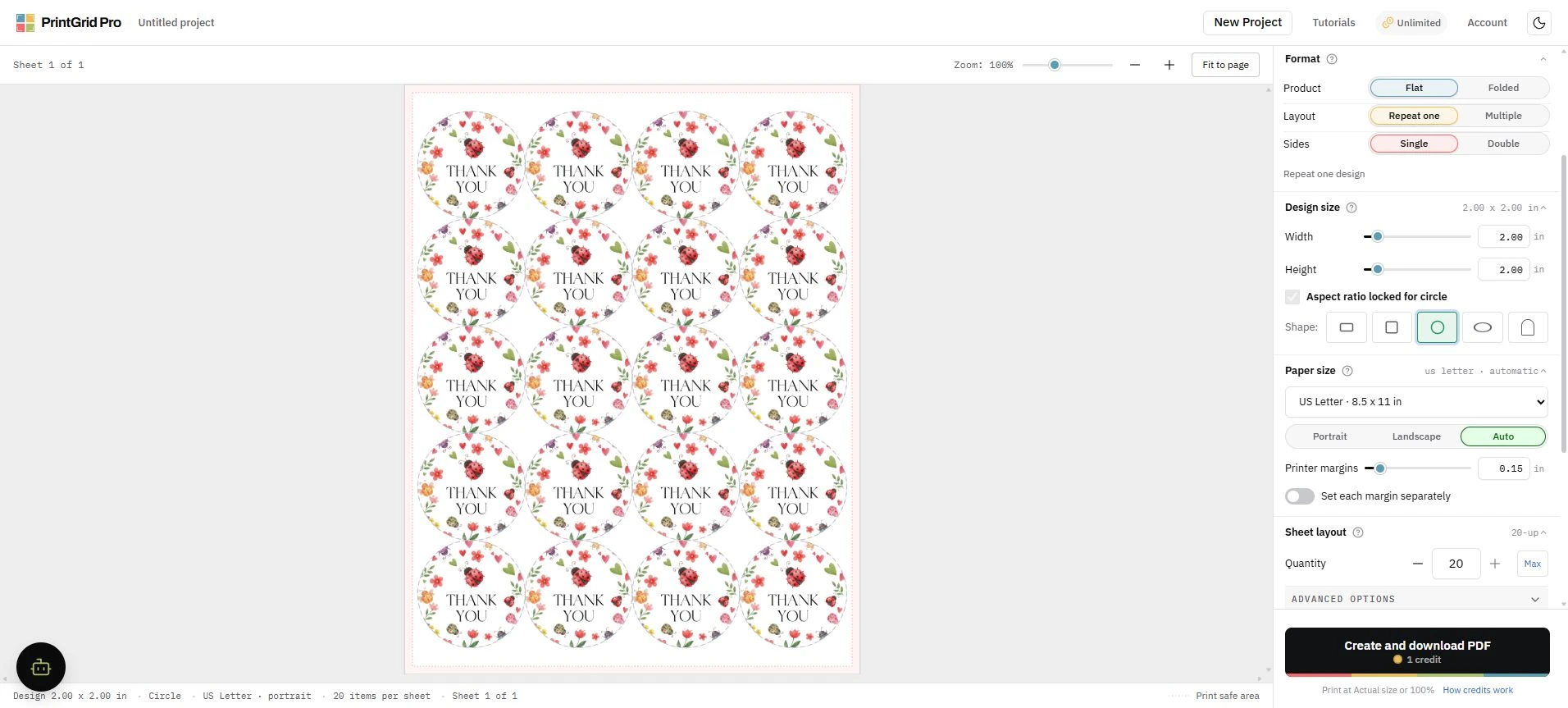
Check before creating the PDF
Review the finished size, copies per sheet, physical sheet count, PDF page count, and credit total shown above the export action. The preview and generated PDF use the same placement plan.
After downloading, print at Actual size or 100 percent. Do not use Fit to page, because printer-driver scaling changes the finished dimensions.