Why a sharp screen image can print softly
Understand low-resolution warnings and choose a source size that stays crisp at the intended physical dimensions.
Check effective resolution
Raster artwork has a fixed number of pixels. Enlarging it lowers effective resolution even when the file looks sharp on screen.
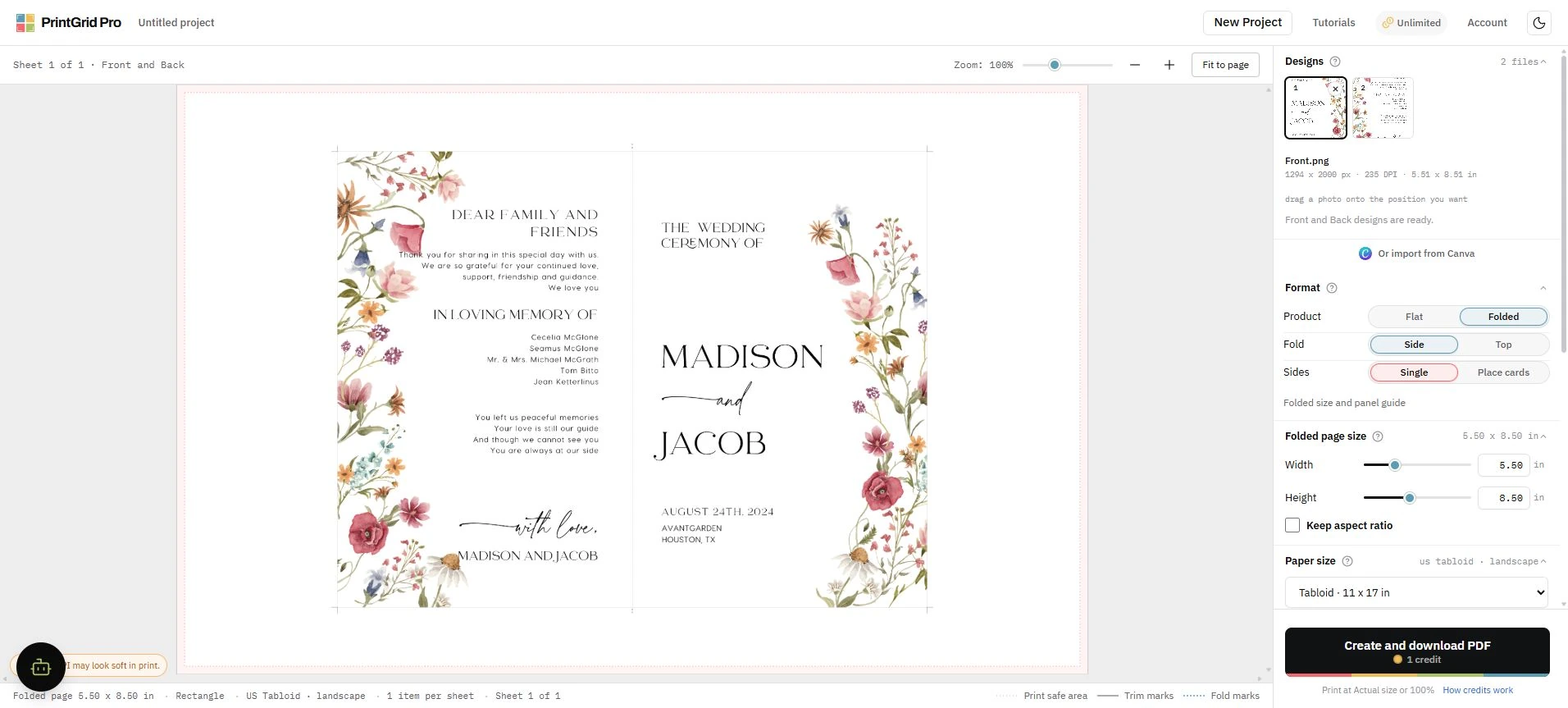
Replace instead of hiding the warning
When PrintGrid Pro reports low resolution, export a larger source or reduce the finished size. The warning does not change the artwork automatically.