Long-edge versus short-edge duplex printing
Choose the correct duplex flip edge and verify Front-to-Back alignment with a controlled one-sheet test.
Think about the edge held by the printer
Long-edge flipping turns the sheet like a book. Short-edge flipping turns it like a notepad or calendar. The correct choice depends on paper orientation and how the finished piece should be turned.
PrintGrid Pro maps each Back placement mathematically for the selected edge. Do not mirror or rotate Back artwork manually unless the artwork itself requires it.
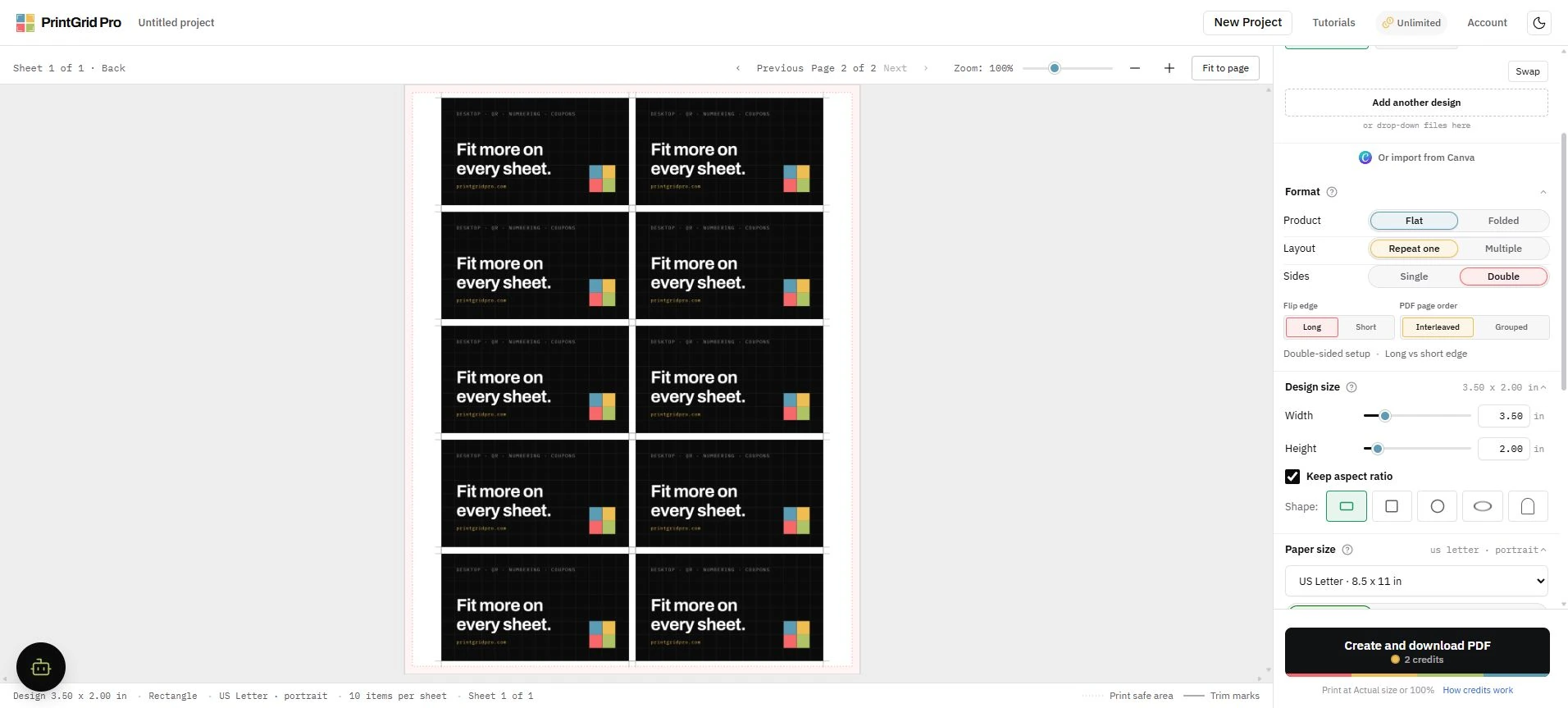
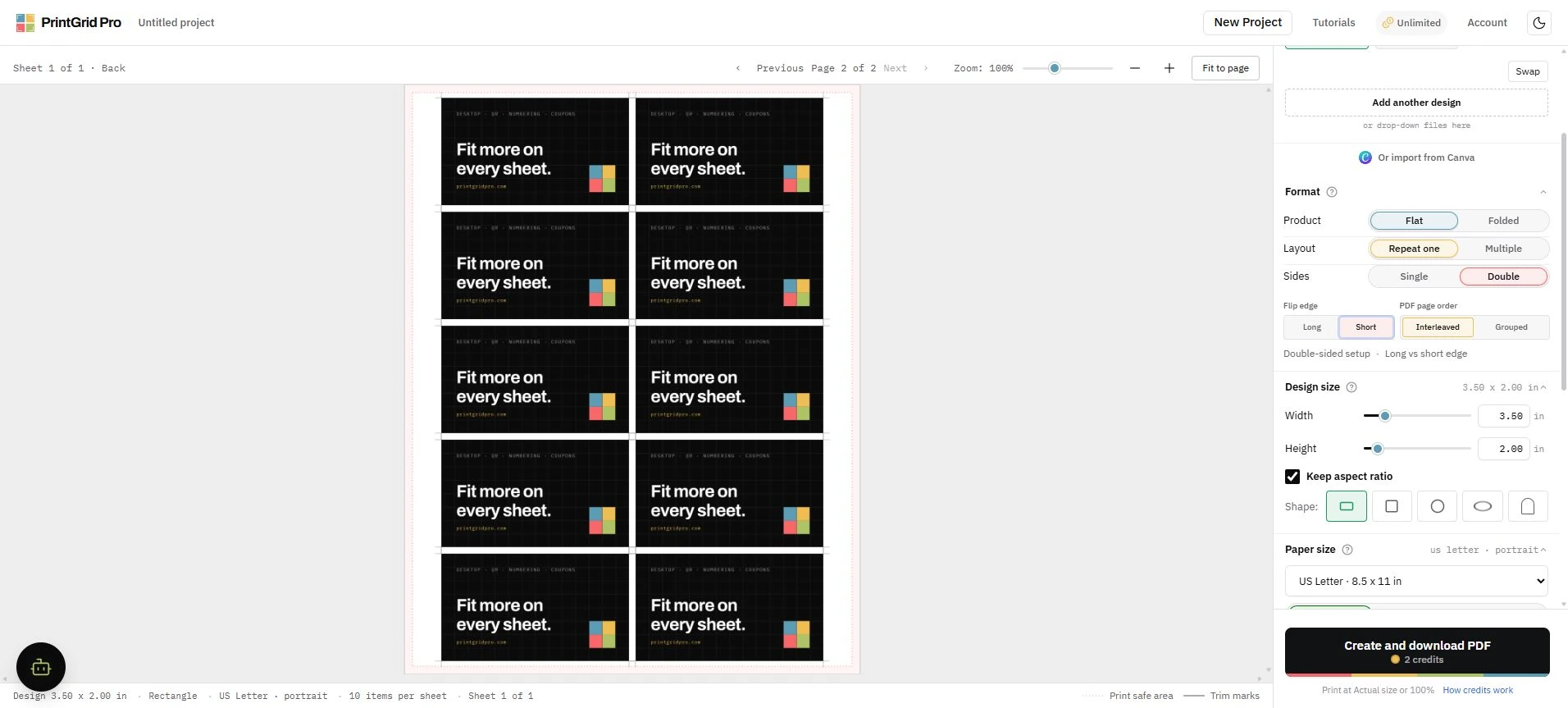
Run a one-sheet alignment test
Print one controlled sheet at Actual size or 100 percent, mark the top edge before flipping, and hold it to light. Check the Front and Back trim boundaries before printing the full quantity.
Printers feed and re-feed paper differently. A small hardware alignment shift is not the same as a changed PDF coordinate.