How credits are calculated
Understand the difference between physical sheets, PDF pages, printable sides, reservations, and final credit use.
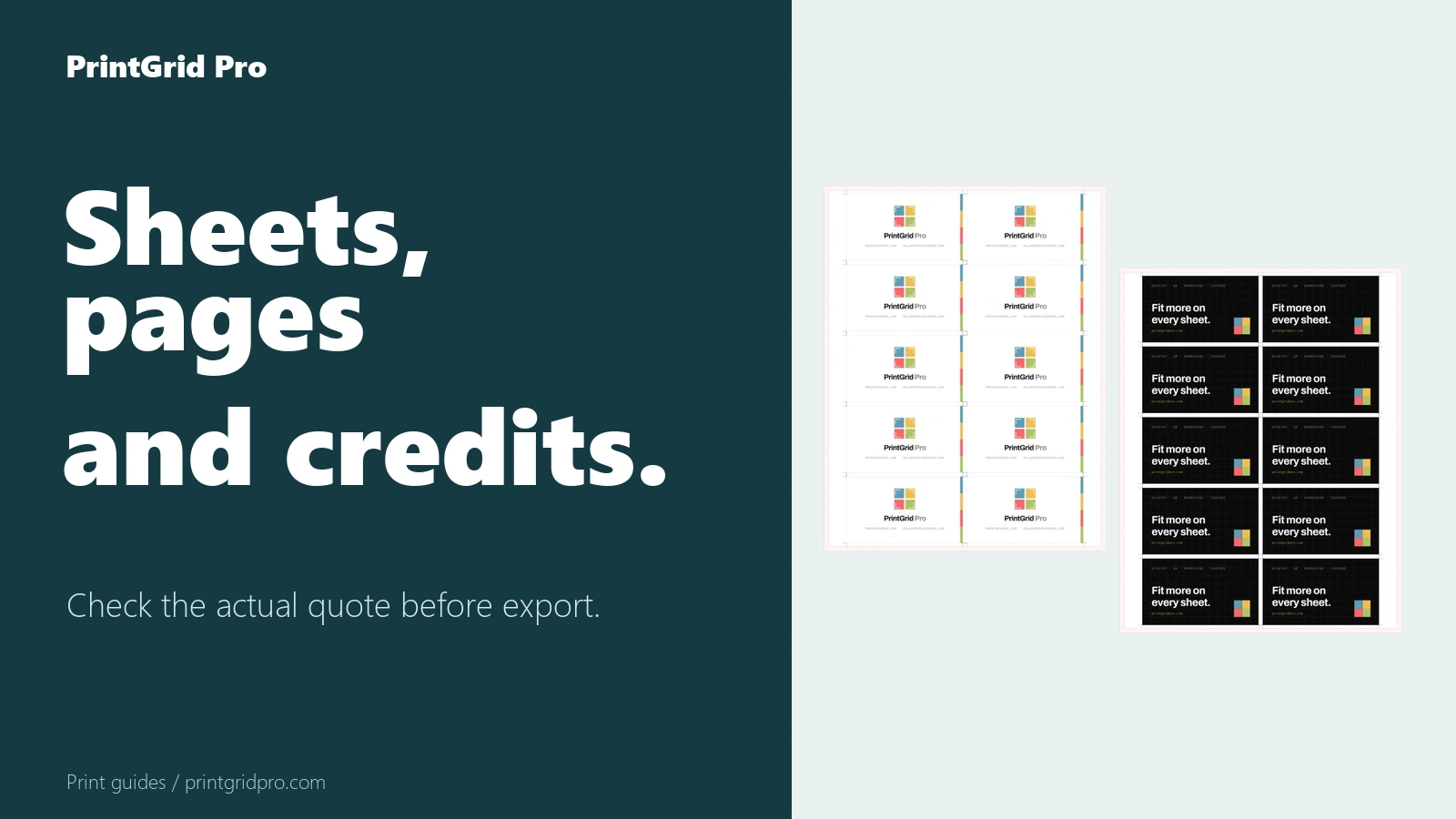
Count generated PDF pages, not pieces
One credit is consumed only after one authorized PDF page or side is generated and validated. Several cards arranged on one single-sided physical sheet still produce one PDF page and cost one credit.
A double-sided physical sheet normally produces a Front page and a Back page, so it costs two credits. The editor shows physical sheets, PDF pages, and required credits separately before export.
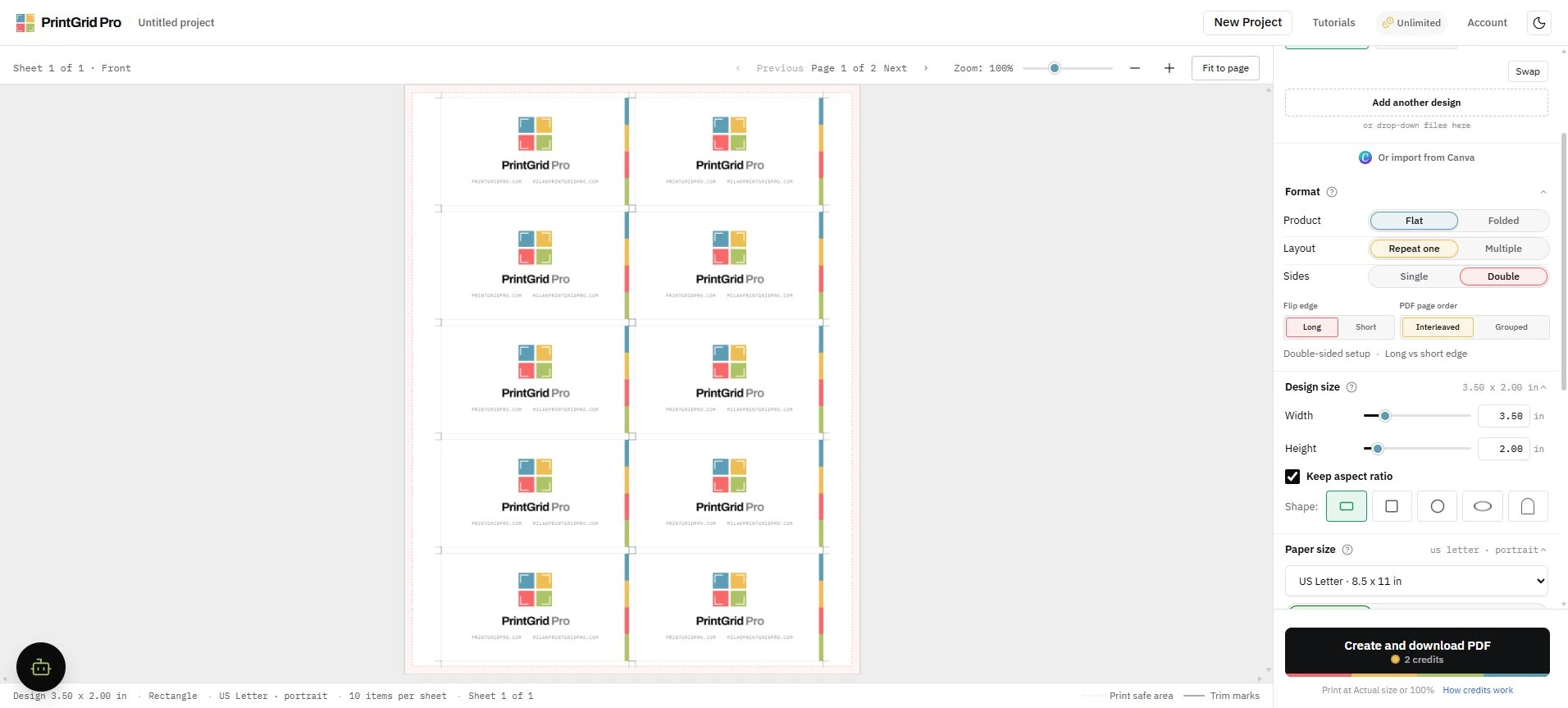
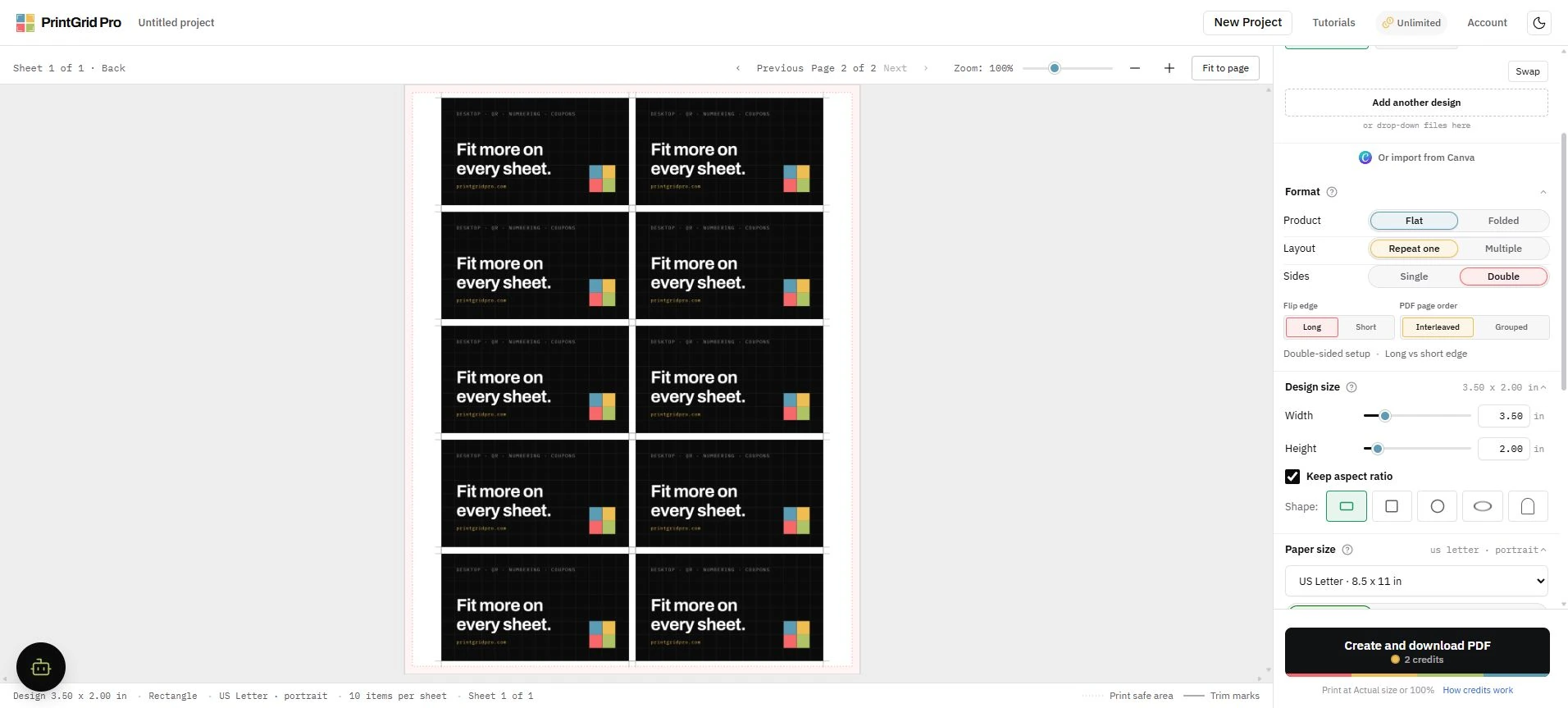
Failures do not become charges
PrintGrid Pro reserves access while generating the file. A failed, cancelled, timed-out, malformed, or invalid export releases the reservation and restores the trial or credits.
Promotional credits are used before paid credits, and paid credits are allocated by original purchase lot. The server, not the browser, decides the final entitlement change.